
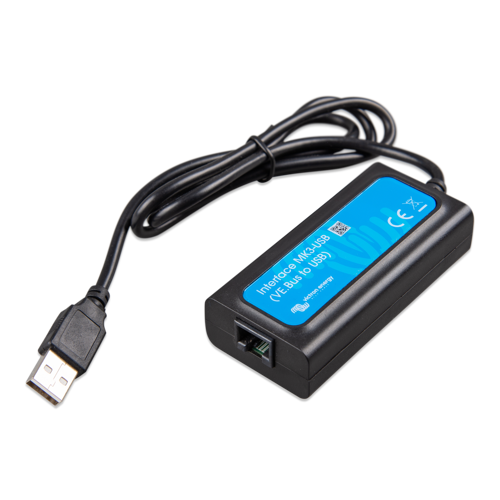
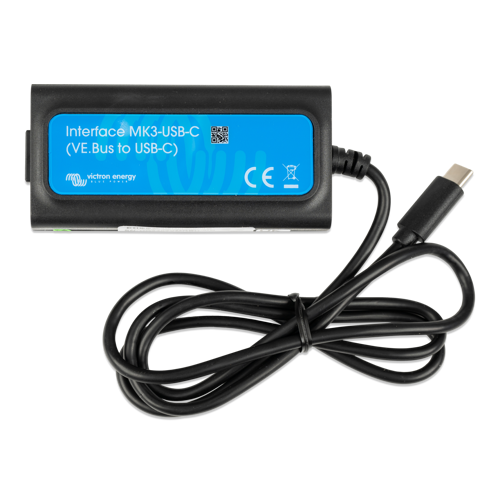
Description
The MK3-USB allows the following products to connect to a computer for configuration and firmware updates: Multi, MultiGrid, MultiPlus, MultiPlus-II, Quattro, VE.Bus BMS V2, Inverter/Charger settings in ECOmulti, EasySolar, EasyPlus, and Inverters with a VE.Bus communication port.
No internet or Bluetooth needed. When connected to the Victron App on your laptop, the system will check for firmware updates.
It is recommended to use this MK3 interface, together with the Victron software, to configure these devices instead of the DIP switches that are built into these devices (those settings are very basic, and should only be used if no other option exists).
Download the Victron App here…
https://www.victronenergy.com/support-and-downloads/software#ve-configuration-tools-for-ve.bus-products
For a broader review of all Victron communications and configurations, download their guide here…
https://www.victronenergy.com/upload/documents/VictronConnect_configuration_guide_for_VE.Bus_products/15296-VE_Bus_Configuration_guide-pdf-en.pdf
And, if you’d like to see the status of your inverter or other connected device (listed above) on your smartphone using the Victron Connect App, you’ll need the Bluetooth Dongle (click here).
NOTE ABOUT VICTRON SMARTSOLAR MPPT CHARGE CONTROLLERS
You do not need any of these accessories (MK3 or BT dongle) with the SmartSolar MPPT controllers. They have all this functionality built-in.


Reviews
There are no reviews yet.